
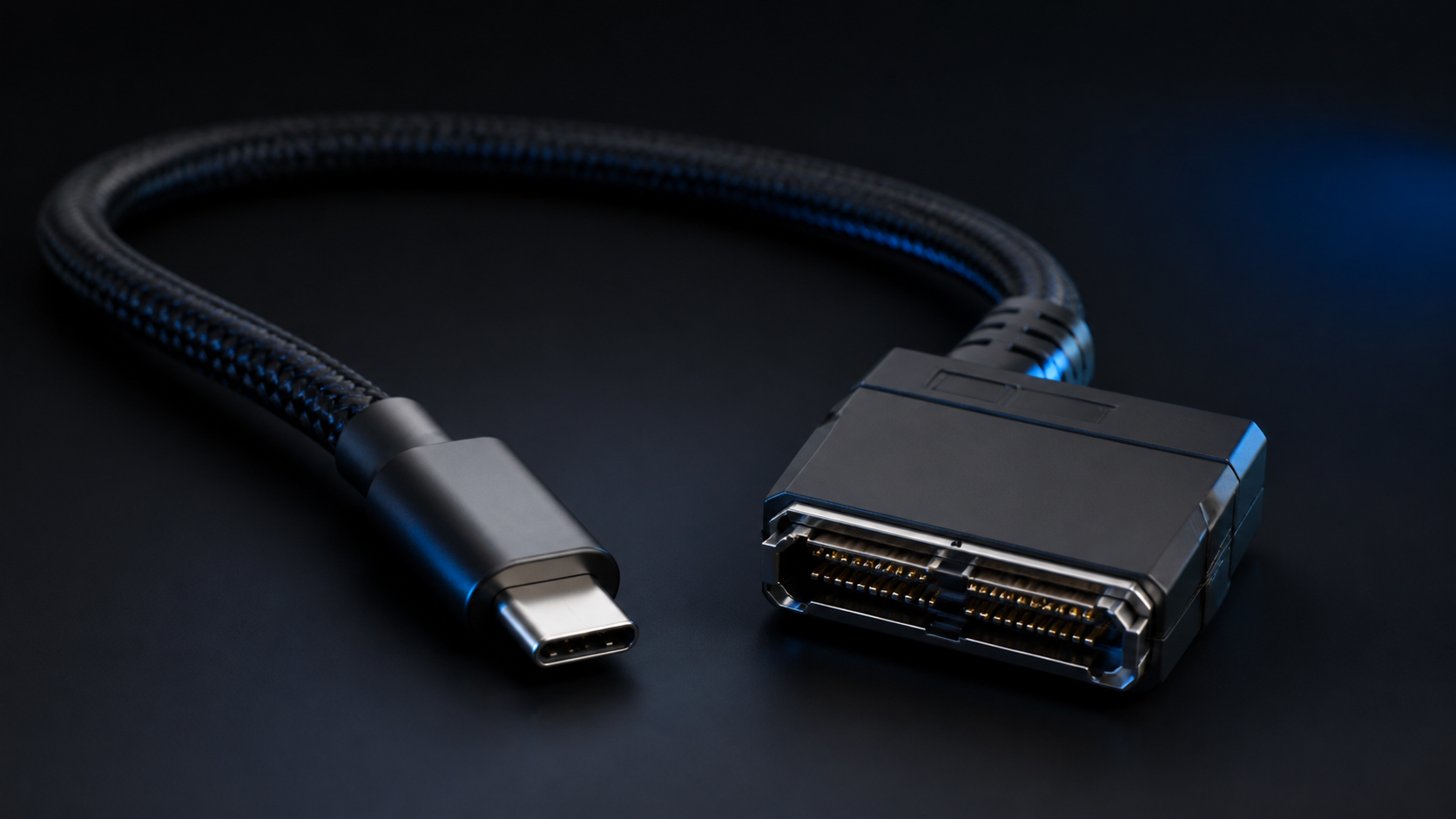
A new cable standard is beginning to attract attention in the technology industry. Called GPMI (General Purpose Media Interface), it is intended to combine high-resolution video, audio, high-speed data, device control, networking, and electrical power through a single connection.
If it gains broad adoption, GPMI could simplify some of the cable combinations businesses currently use with HDMI, DisplayPort, USB-C, Thunderbolt, and separate power adapters. But it remains an emerging technology, so businesses should understand both its potential and its uncertainties before planning purchases around it.
What is a GPMI cable?
GPMI was announced by the Shenzhen 8K UHD Video Industry Cooperation Alliance, a group of technology manufacturers. Its goal is straightforward: reduce the number of connections required between devices while increasing available bandwidth and power delivery.
Rather than using separate cables for display output, data, networking, and power, a properly implemented GPMI connection may be able to carry several of those functions at once.
That could be useful for:
- High-resolution and 8K displays
- Computer workstations and docking environments
- Conference-room technology
- Digital signage and media production equipment
- Gaming systems
- Industrial displays and control systems
GPMI Type-C vs. GPMI Type-B
Two versions of the interface have been announced.
GPMI Type-C
GPMI Type-C uses the familiar USB-C connector format. Its published specifications indicate support for up to 96 Gbps of bandwidth and 240 watts of power delivery.
Using USB-C as the physical connector could make it easier for manufacturers to incorporate GPMI into laptops, displays, docking stations, and other equipment. However, a USB-C connector does not automatically mean that a device supports GPMI.
USB-C describes the connector shape, not every capability behind it. A USB-C port may support USB, DisplayPort, Thunderbolt, USB Power Delivery, GPMI, or some combination of those technologies. Buyers will need to check the actual specifications of both the device and the cable.
GPMI Type-B
GPMI Type-B uses a separate connector designed for the GPMI ecosystem. Its proposed capabilities are higher: up to 192 Gbps of bandwidth and 480 watts of power delivery.
A single cable capable of carrying very high-bandwidth video and data while supplying hundreds of watts of power could remove several connections in certain installations.
How fast is GPMI?
The published headline numbers are substantial.
| Interface | Maximum published bandwidth | Power delivery |
|---|---|---|
| GPMI Type-B | Up to 192 Gbps | Up to 480W |
| GPMI Type-C | Up to 96 Gbps | Up to 240W |
| HDMI 2.2 | Up to 96 Gbps | Not intended as primary device power |
| DisplayPort 2.1 | Up to 80 Gbps | Limited accessory power |
| Thunderbolt 5 | Up to 120 Gbps in certain configurations | Up to 240W, depending on implementation |
These figures do not automatically translate into real-world application performance. Protocol overhead, cable length and construction, device electronics, video compression, thermal limits, and manufacturer implementation can all affect usable throughput.
Evaluate certified equipment for the capability you need rather than buying solely on the maximum theoretical specification.
Why 192 Gbps matters
Modern display technology can consume a great deal of bandwidth. Resolution is only part of the equation: increasing screen resolution, refresh rate, color depth, HDR data, or the number of displays all increases the data required between a computer and display.
This matters most for 8K displays, high-refresh-rate displays, professional visualization systems, and multi-monitor environments. GPMI’s additional bandwidth could provide more headroom for future display technology.
Why 480 watts of power is interesting
Bandwidth receives most of the attention, but GPMI Type-B’s proposed 480-watt power capability could be equally significant. It may enable equipment designs where one cable provides both communications and substantial operating power.
Instead of a power cable, video cable, USB cable, and network cable, some devices could theoretically require one GPMI cable. For offices, conference rooms, digital signage, and workstation deployments, fewer cables can make installation and maintenance simpler.
Will GPMI replace HDMI, USB-C, or Thunderbolt?
Not quickly, if at all. HDMI has an enormous installed base across televisions, computers, projectors, AV receivers, conference rooms, game consoles, digital signage, and commercial AV equipment. Replacing a mature interface ecosystem takes years.
GPMI may initially appear alongside current technologies. Equipment could include combinations such as GPMI, HDMI, USB-C, and DisplayPort, allowing newer hardware to work with existing infrastructure.
The question is more complicated for USB-C and Thunderbolt because GPMI Type-C uses the USB-C connector. That can add another capability for manufacturers and IT departments to identify. Clear device labeling and cable certification will be important if adoption expands.
Not every USB-C cable will be a GPMI cable
This is likely to be one of the most important purchasing considerations. USB-C cables already vary widely in their data rates, video support, charging wattage, USB generation, and Thunderbolt support. Connector shape alone tells you very little about a cable’s actual capability.
The same issue is likely to apply to GPMI Type-C. Organizations deploying GPMI equipment should verify that each cable explicitly supports the required bandwidth, power level, and protocol. An incorrectly specified cable could lead to reduced performance, charging limits, intermittent video, or incompatibility.
What GPMI could mean for business IT
For most businesses, the immediate impact will likely be limited. There is no compelling reason to replace working HDMI, DisplayPort, Thunderbolt, or USB-C infrastructure simply because a faster standard exists.
GPMI becomes more relevant when buying new computers, displays, conference-room systems, or audiovisual equipment expected to remain in service for years. At that point, support for the standard may be one factor in assessing long-term flexibility.
Before standardizing on GPMI, IT teams should consider:
- Whether devices interoperate across manufacturers
- Availability, cost, and certification of replacement cables
- Maximum supported cable lengths
- Compatibility with existing displays and docking stations
- Adapter availability
- Power-delivery requirements
- Manufacturer support and long-term adoption
Should you wait for GPMI before buying equipment?
For most organizations, no. If equipment needs replacement today, choose hardware that meets today’s requirements using mature, well-supported connectivity standards.
GPMI is worth watching for organizations planning future investments in 8K displays, high-performance workstations, professional video, digital signage, conference-room systems, or high-bandwidth docking environments. As more equipment reaches the market, interoperability and long-term industry support will be easier to evaluate.
Planning a computer or display technology upgrade?
Cable and interface standards now affect much more than connecting a monitor. Modern USB-C, Thunderbolt, DisplayPort, HDMI, and emerging GPMI environments can involve video bandwidth, charging requirements, docking stations, networking, device compatibility, and cable certification.
RD Computer Solutions helps businesses choose computer hardware and technology based on practical operational requirements—not marketing specifications.
If your organization is upgrading computers, monitors, docking stations, conference-room technology, or other business IT equipment, we can help determine which technologies make sense for your environment and which ones you can safely ignore.
Further reading
For an independent overview of GPMI’s announced capabilities, see Tom’s Hardware’s GPMI overview.
Contact RD Computer Solutions to discuss your next technology upgrade.